
SVG & Cut Files
Showing all 3 results
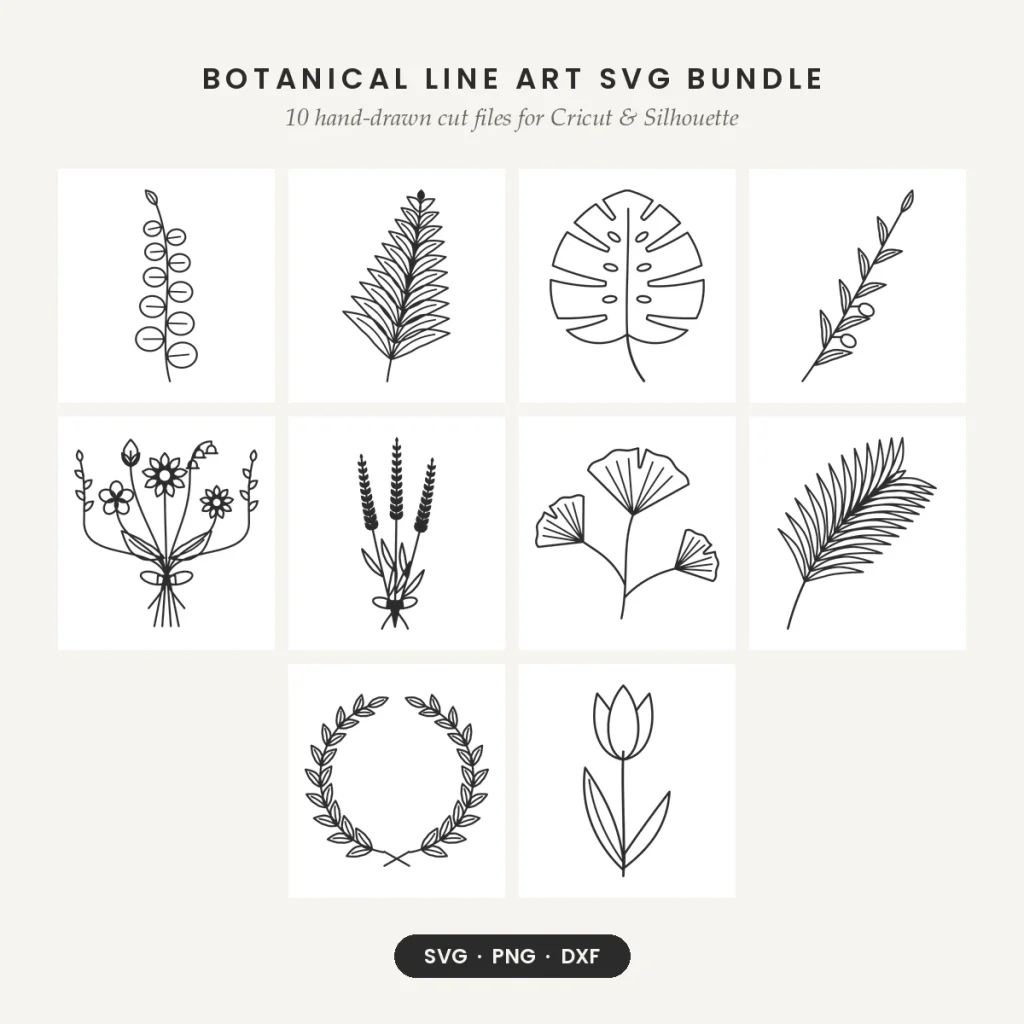
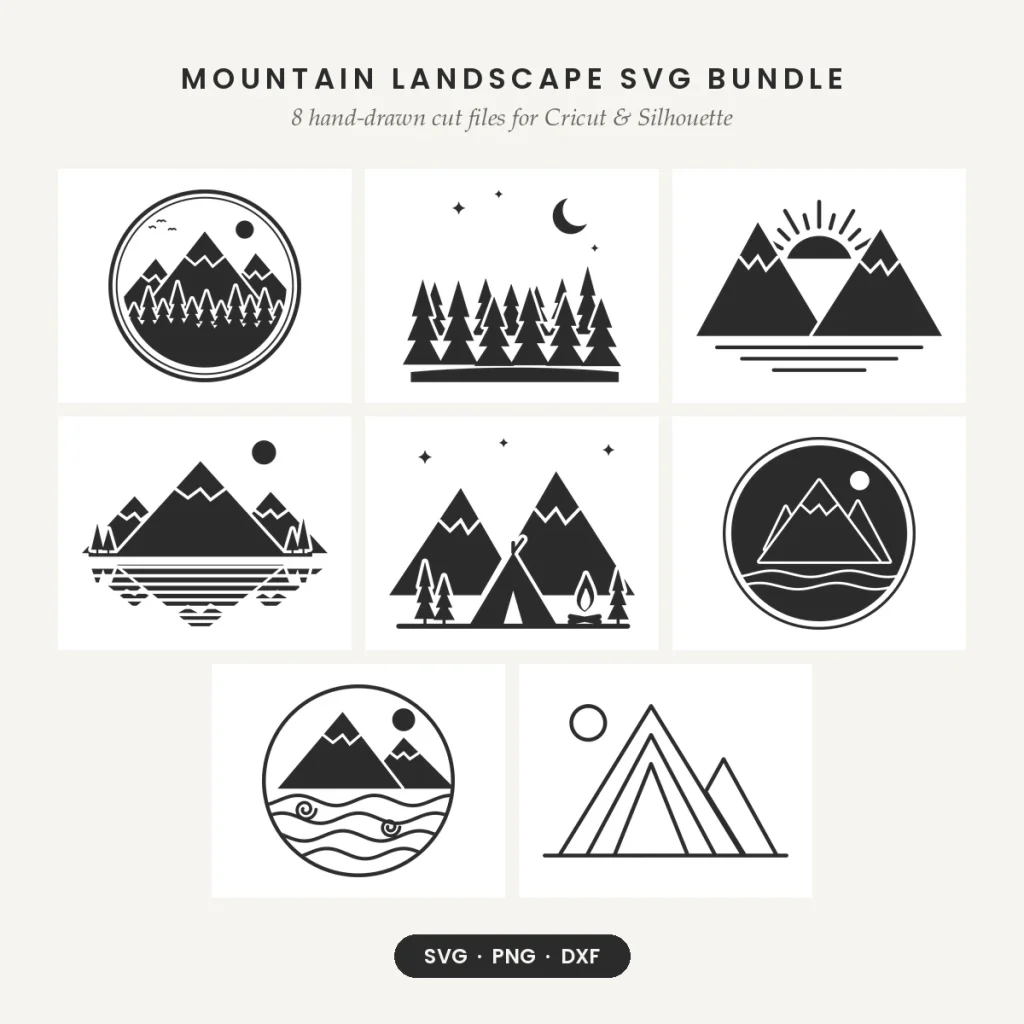
SVG cut files for Cricut, Silhouette and other cutting machines. Every design comes as SVG, PNG and DXF, built from single-color, closed shapes for adhesive vinyl, iron-on (HTV), cardstock and sublimation.
What is in this category?
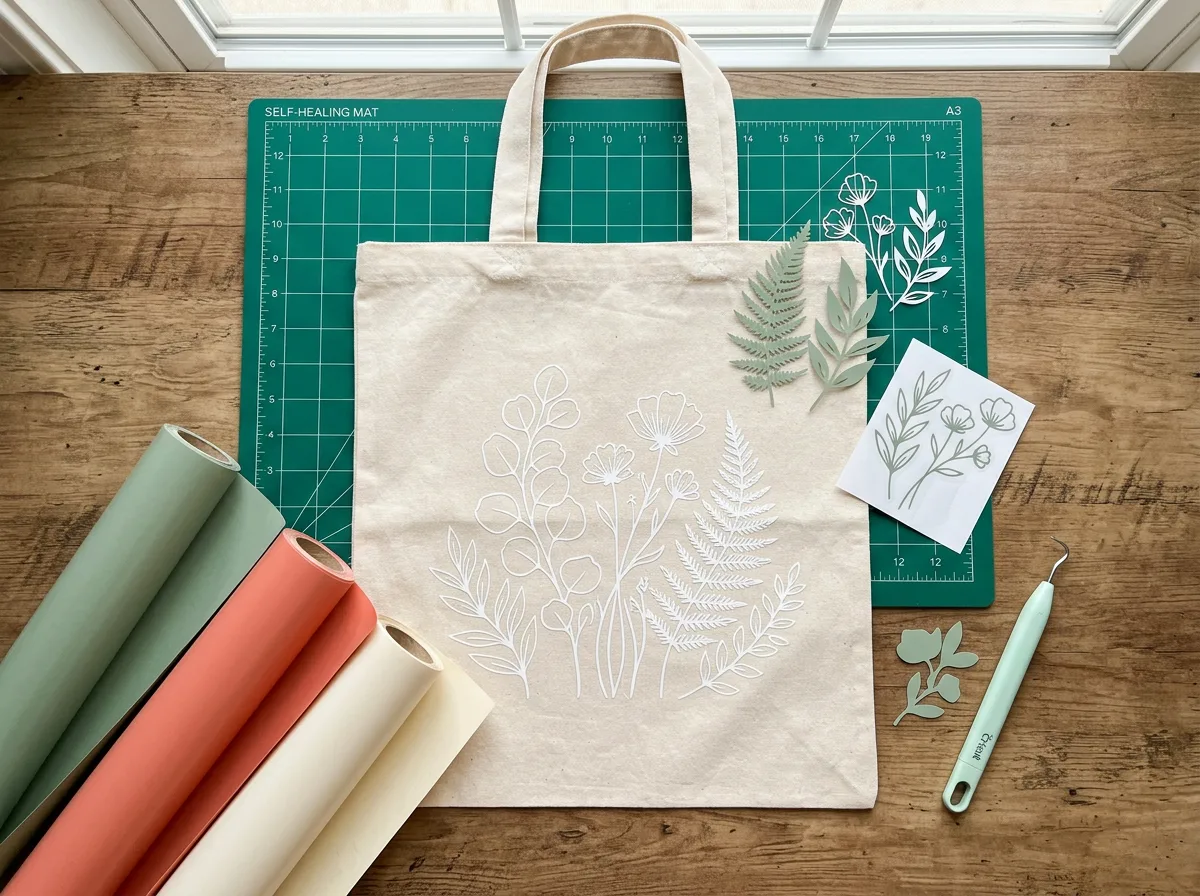
• Botanical Line Art SVG Bundle: 10 monoline plant designs.
• Mountain Landscape SVG Bundle: 8 bold outdoor scenes and badges.
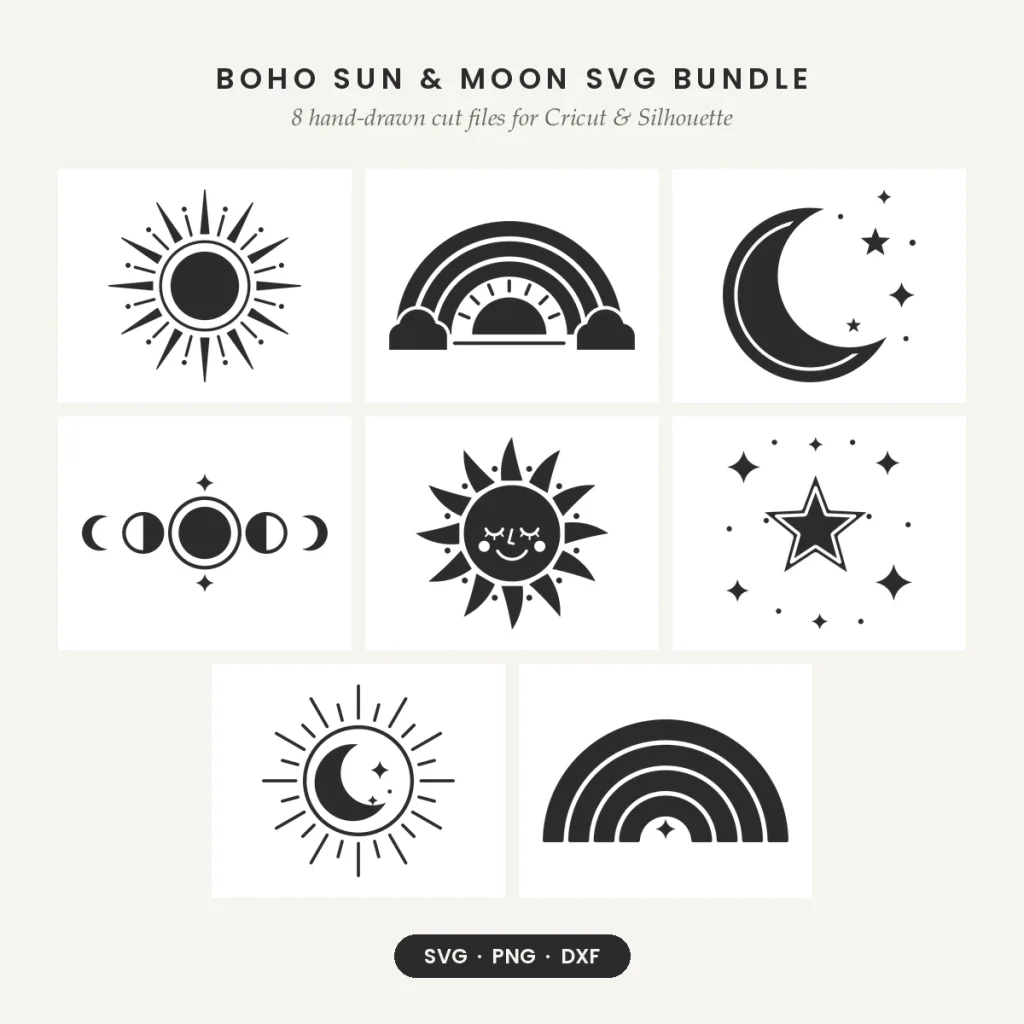
• Boho Sun & Moon SVG Bundle: 8 celestial and rainbow designs.
Which software works?
Upload the SVG to Cricut Design Space (Explore, Maker, Joy) or open it in Silhouette Studio Designer Edition. The free Silhouette Studio Basic Edition uses the DXF file. The files also open in Brother ScanNCut, Inkscape, Adobe Illustrator and Affinity Designer. Step-by-step help: upload an SVG to Cricut and open SVGs in Silhouette Studio.
Who are they for?
Hobby crafters and small makers who sell shirts, totes, mugs, decals and signs at markets or online. Each bundle includes a small-business license for physical items.
How do I choose?
Pick by theme and by how fine the details are: bold silhouettes such as the mountain set are the easiest to weed at small sizes, while line art suits larger pieces. Our guides on weeding vinyl and layering HTV can help.
Questions about this category
Can I sell what I make?
Yes. You can sell up to 500 physical items in total per bundle. Reselling the digital files or using them on print-on-demand sites isn’t allowed. See the License.
What size should I cut?
About 3 inches and up for most designs. Size up for very small decals.
Are the files layered?
No. Each design is one color layer, which keeps cutting and weeding simple.