CV & Resume Templates
Showing all 3 results
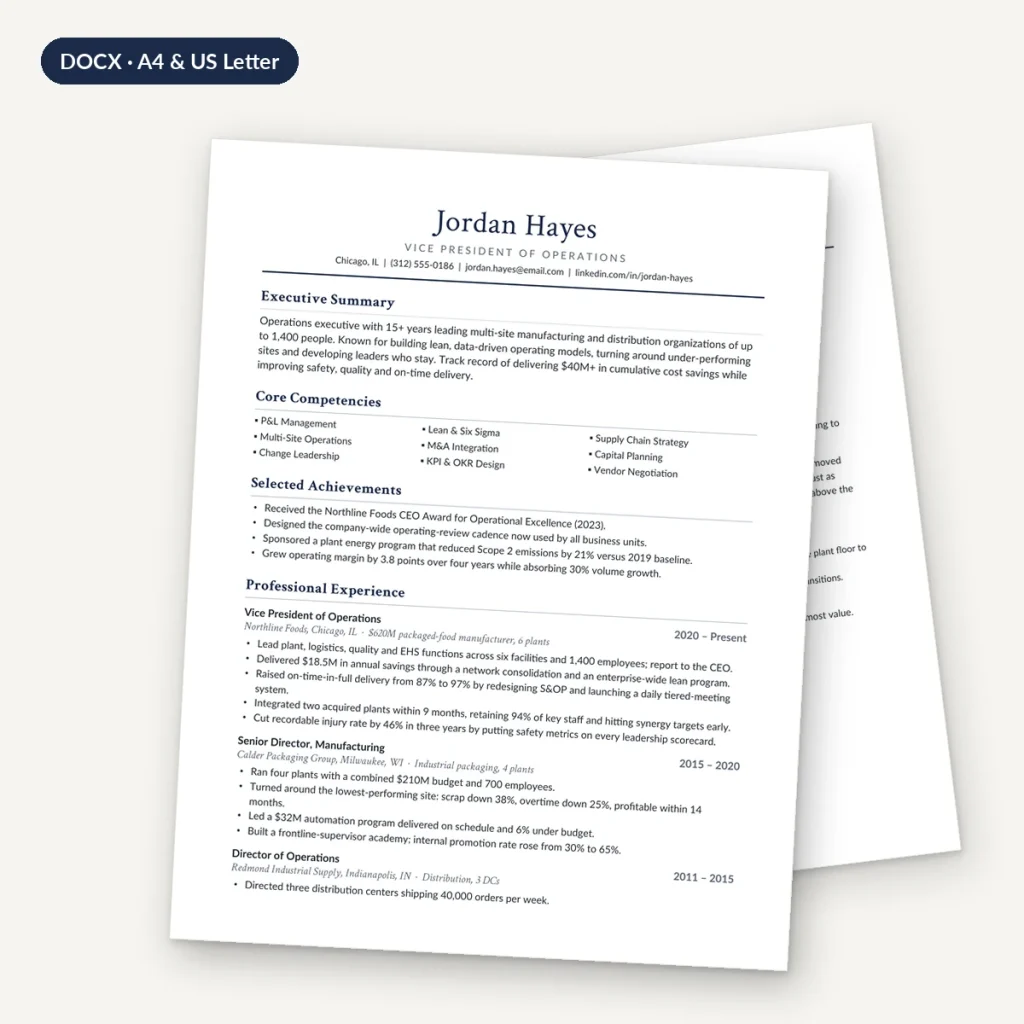
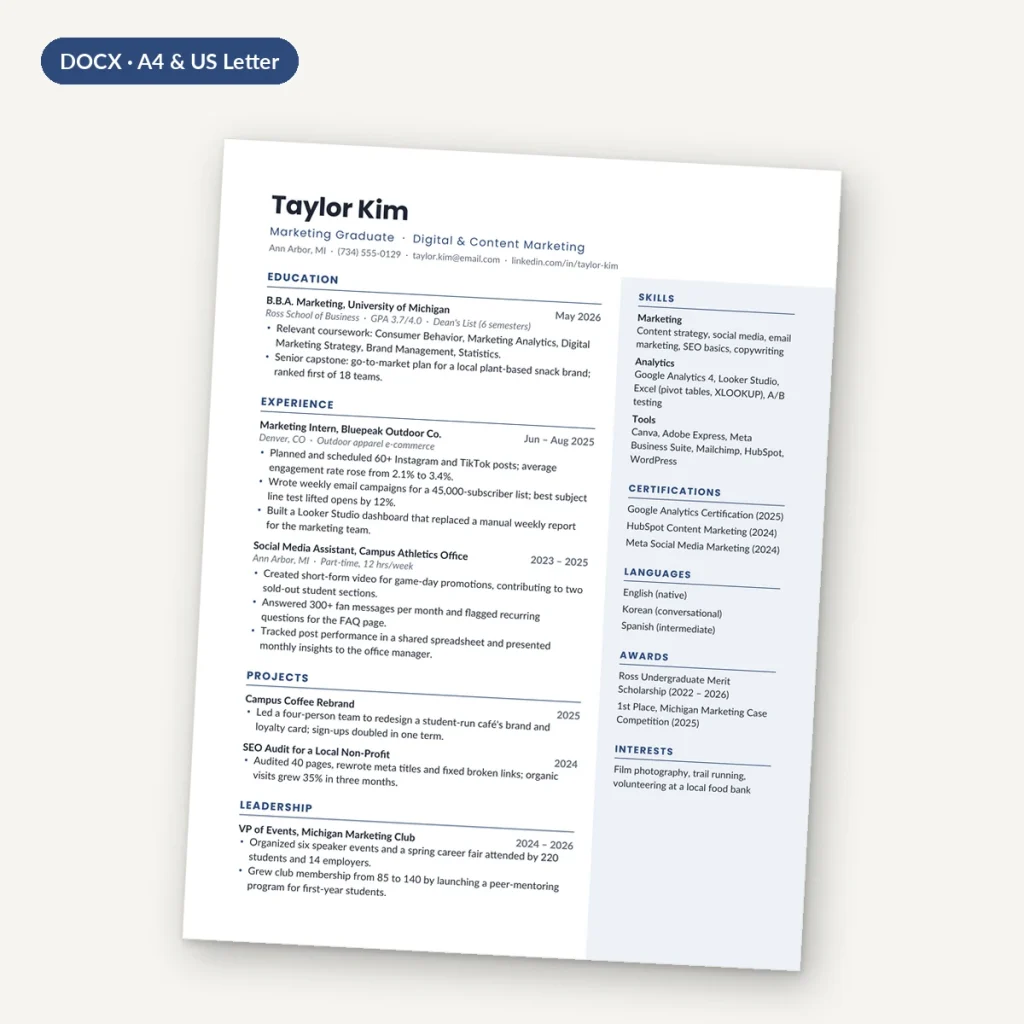
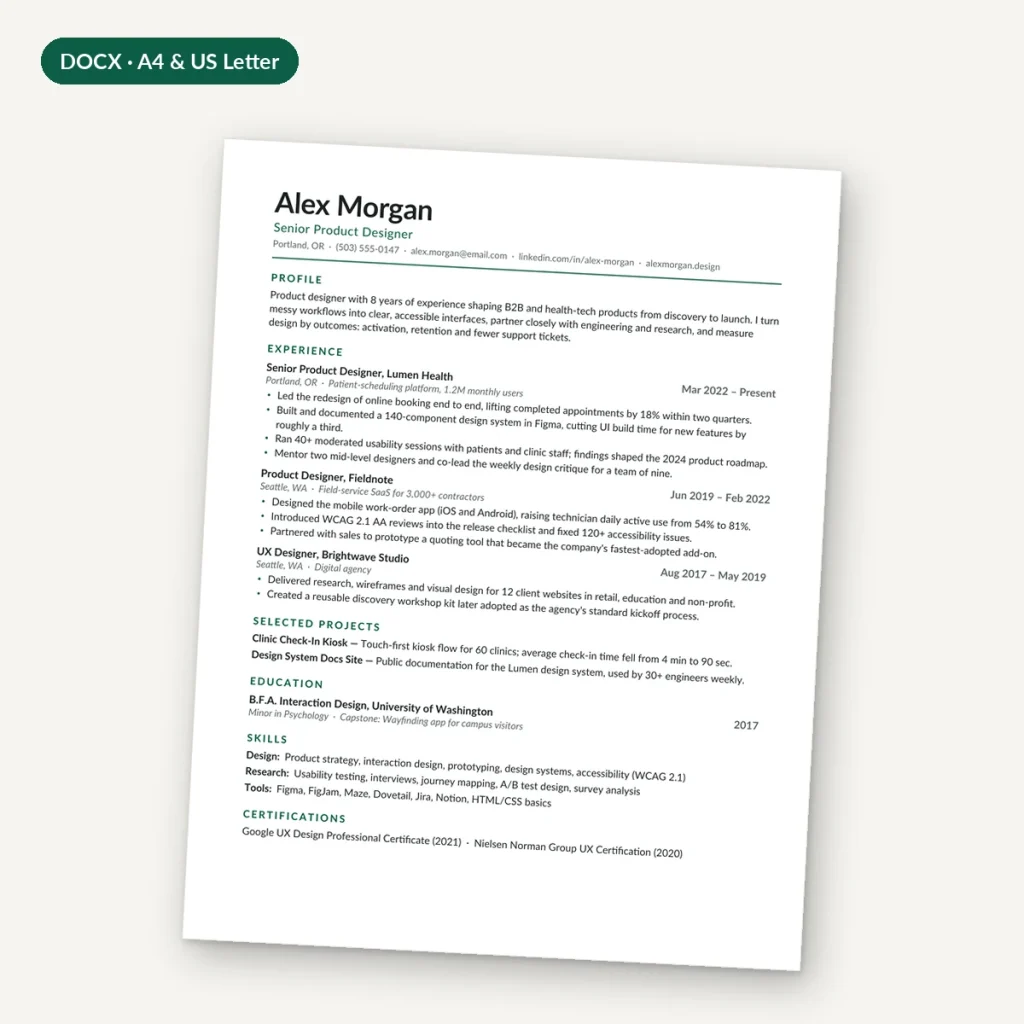
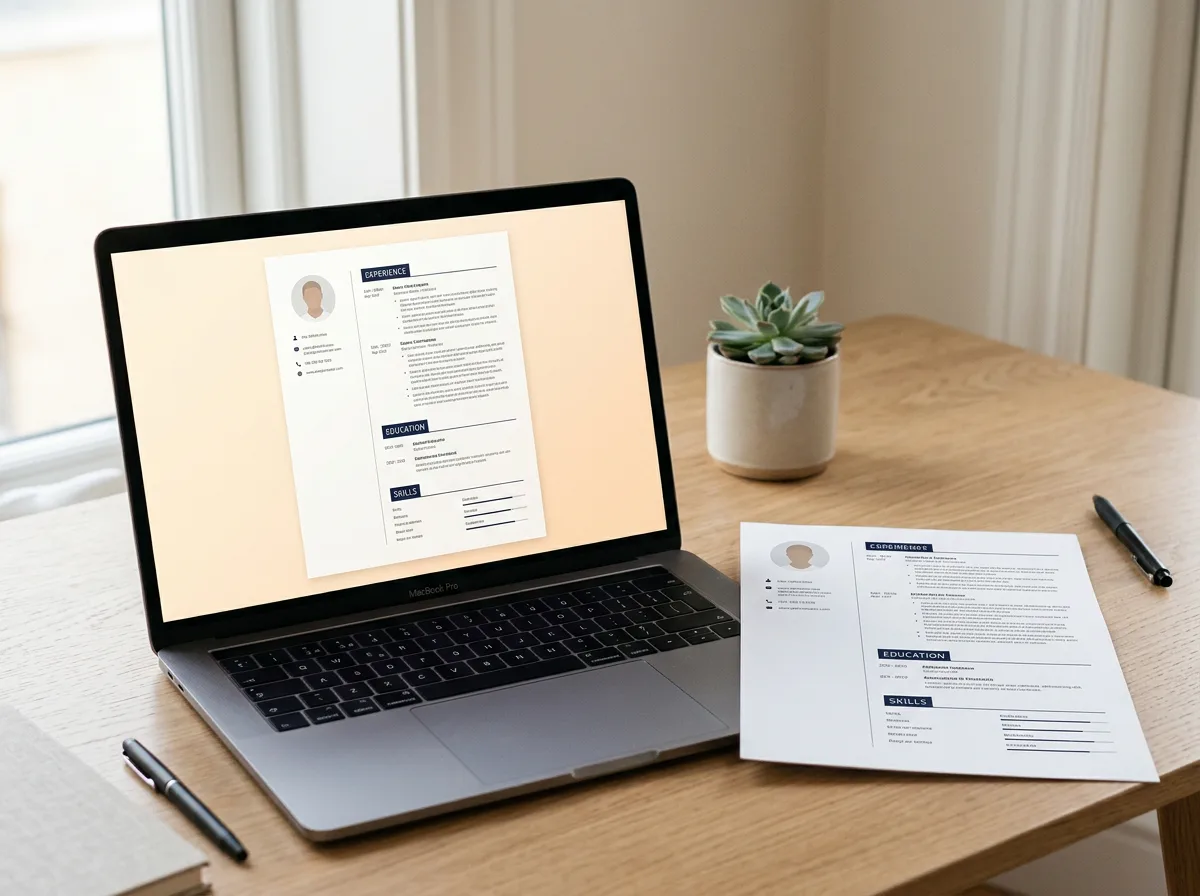
Resume and CV templates you edit in Microsoft Word, Google Docs or LibreOffice. Each download includes editable .docx files in US Letter and A4 plus PDF previews, so you can see exactly how the finished page should look.
What is in this category?
• Modern Minimal Resume: a clean one-page, single-column layout for experienced candidates.
• Graduate One-Page Resume: puts education first for your first job search.
• Executive Resume & Cover Letter: two pages plus a matching cover letter for senior roles.
Who are these templates for?
Job seekers who want a professional layout without fighting with formatting: students and graduates, career changers and experienced managers. Every template comes filled with realistic sample content, so you can see how strong bullet points are written before replacing them with your own.
Will an ATS read them?
Yes. All text sits in the main body of the document, with real Word styles and no text boxes, tables or content in headers, which applicant tracking systems can parse. Our ATS-friendly resume guide explains why that matters.
How do I choose?
• Less than about 10 years of experience: a one-page layout.
• Little work history: the graduate template, which leads with education and projects.
• Senior roles with a long track record: the two-page executive template.
Questions about this category
Which paper size should I use?
US Letter for the USA and Canada, A4 for most other countries. Both sizes are included in every download.
Do I need to buy the fonts?
No. The templates use free Google Fonts, linked in the README.
Can I edit in Google Docs?
Yes. Upload the .docx to Google Drive and open it with Google Docs; check spacing against the PDF preview.
How do I write the content?
See our guides on resume summaries with no experience and quantifying achievements.