
Digital products, like templates, planners, printables, cut files, fonts and design assets, are appealing to sell because you create them once and can sell them many times, with no inventory or shipping. That doesn’t make them effortless. The sellers who do well treat the boring parts, pricing, licensing, file delivery and taxes, as seriously as the design.
Short answer: to start selling digital products, pick a specific product type for a clearly defined buyer, create a polished first version with clear file formats and instructions, choose where to sell (a marketplace, your own WooCommerce store, or both), set prices based on value and comparable products, write a simple licence that says how buyers may use the files, set up automatic download delivery, and check the tax rules for selling digital goods in the countries your customers live in.
Step 1: Choose what to sell
The best digital products solve a specific problem for a specific person. Some common categories:
| Product type | Who buys it | Typical formats |
|---|---|---|
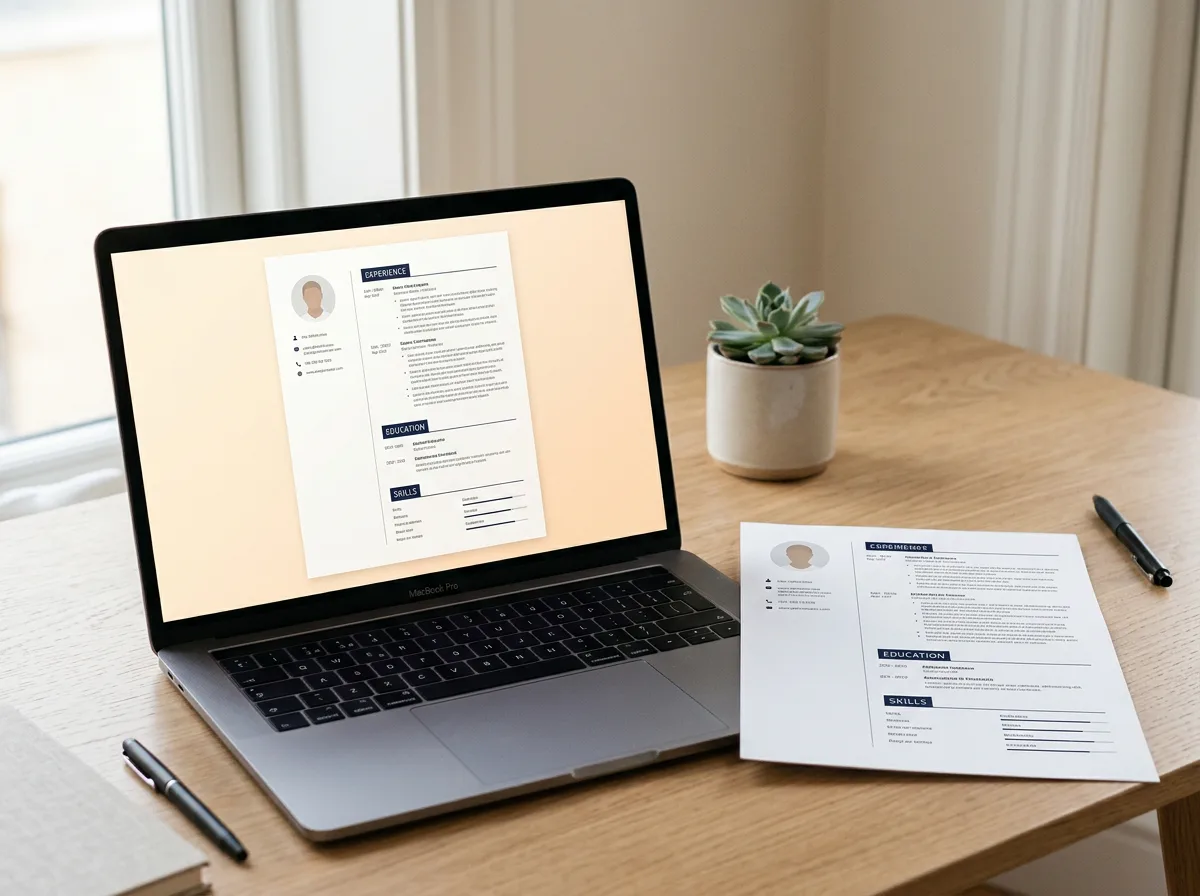
| Resume templates | Job seekers | DOCX, Google Docs, Pages, Canva links |
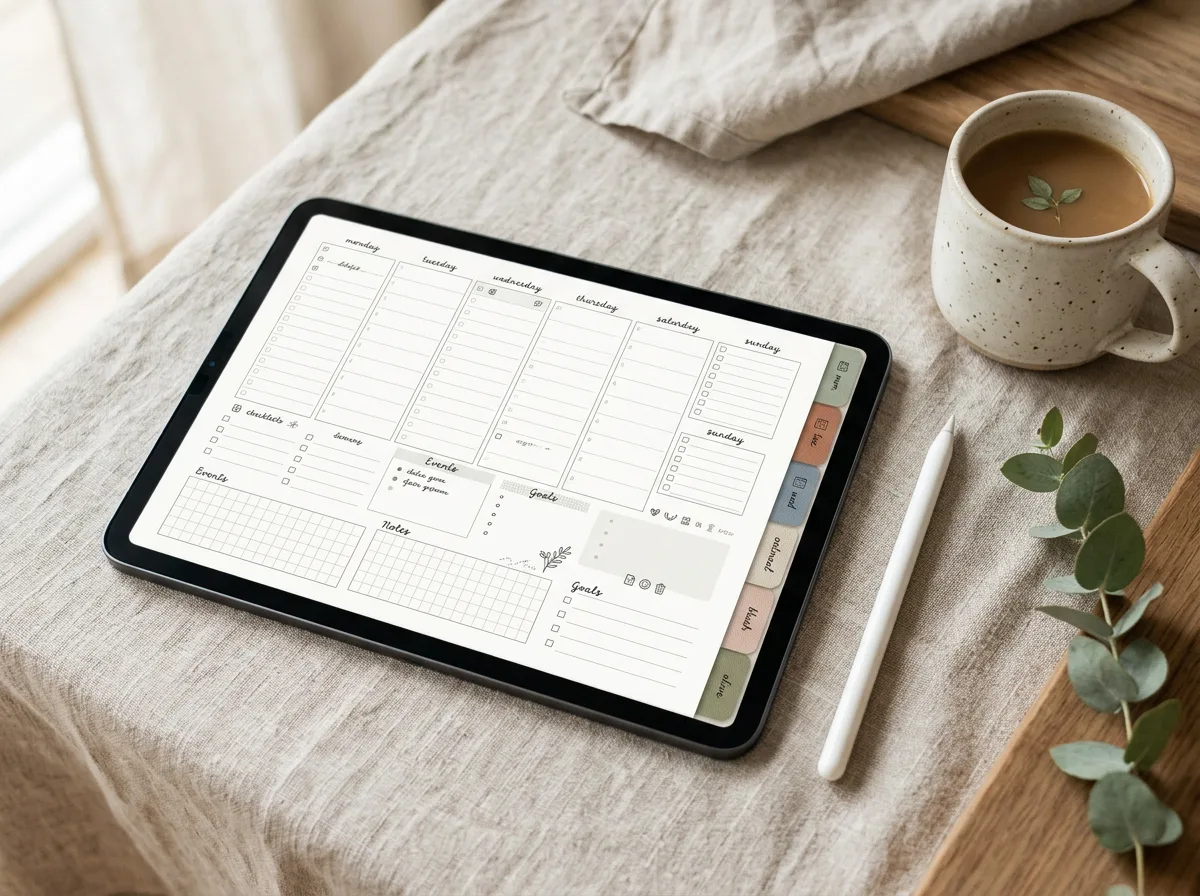
| Digital planners | Tablet users who plan | Hyperlinked PDF |
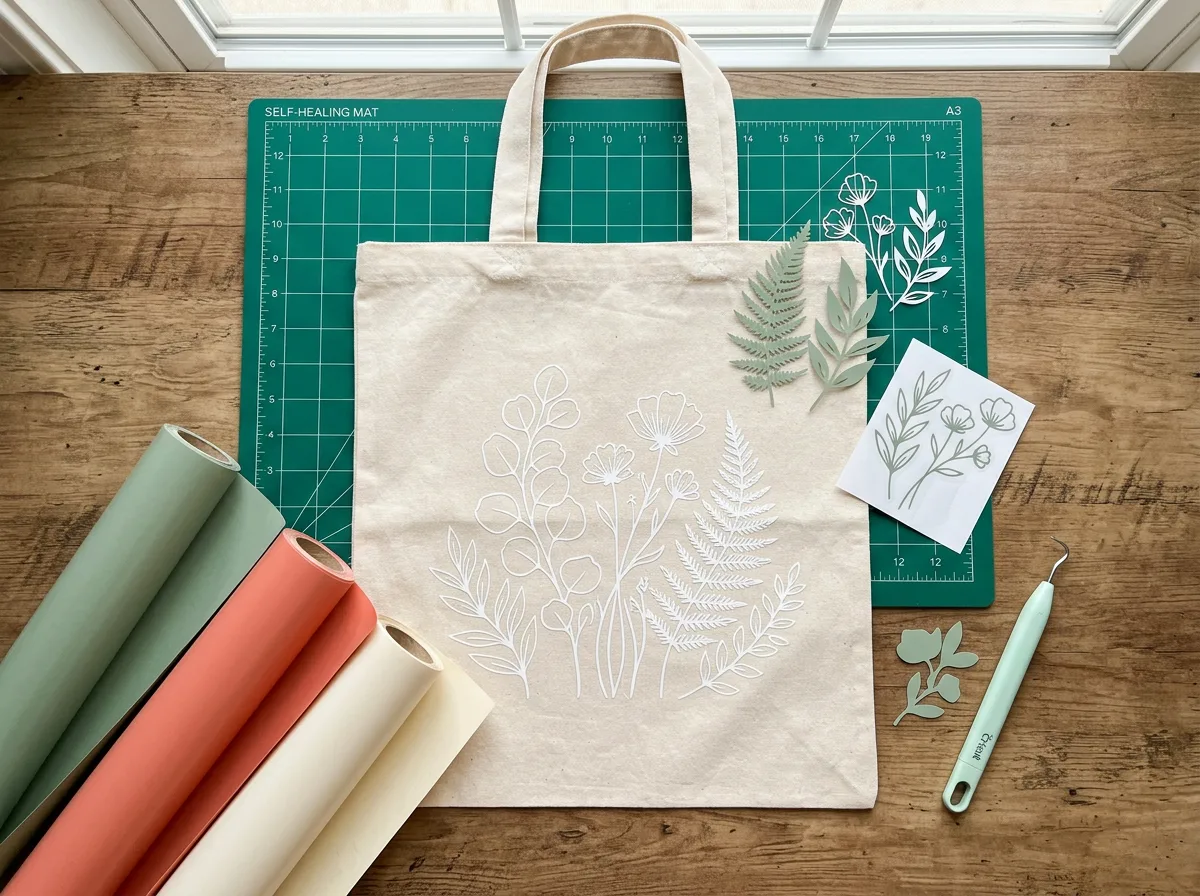
| SVG cut files | Cricut and Silhouette crafters | SVG, DXF, PNG, EPS |
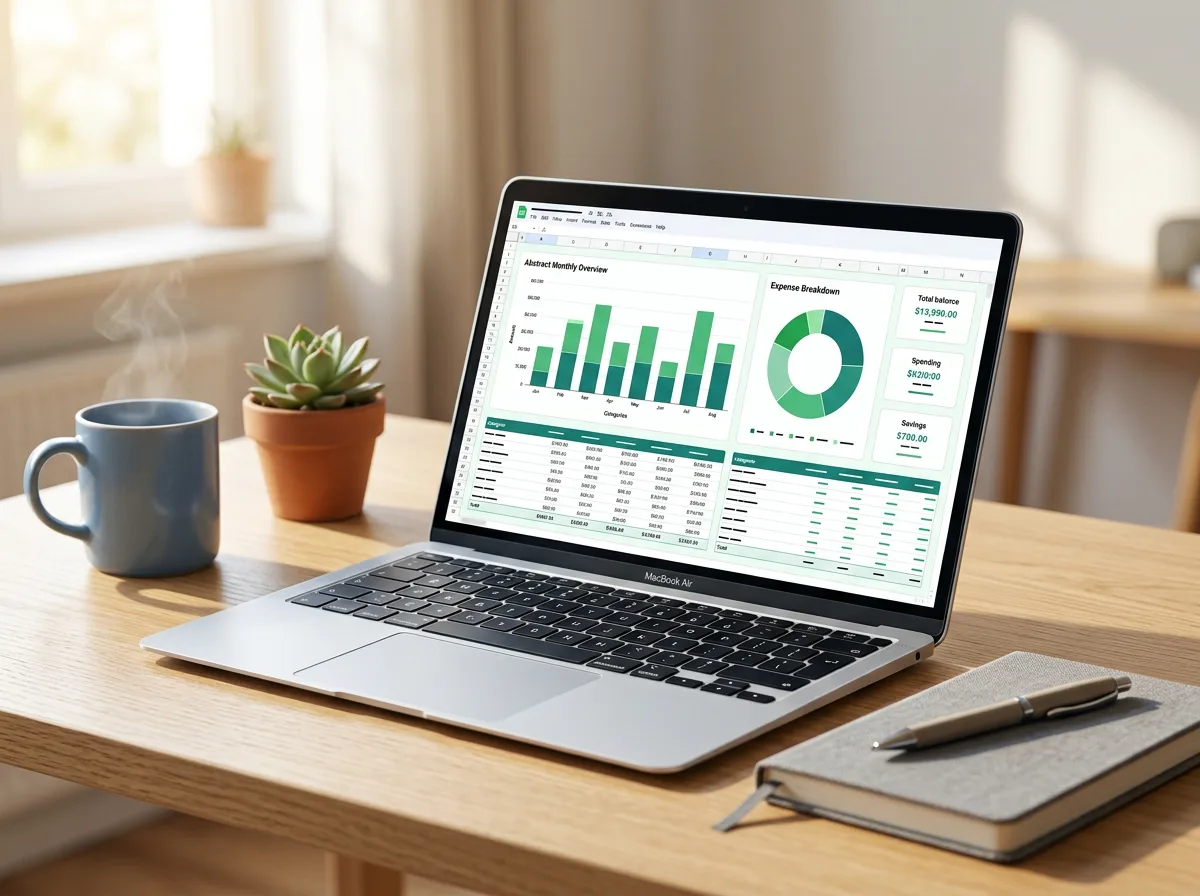
| Spreadsheet templates | Budgeters, small businesses | XLSX, Google Sheets |
| Design kits | Small brands, creators | Canva templates, Figma files, PSD |
| WordPress themes | Site owners, freelancers | Theme ZIP |
Narrow is good. “Resume templates for nurses” or “budget planner for freelancers” is easier to market than “templates”.
Step 2: Build a product people can actually use
Quality matters more than quantity, especially for your first few listings.
- Test on real devices and software. Open your planner in more than one note-taking app; open your SVG in both Cricut Design Space and Silhouette Studio (see our guides on Cricut uploads and Silhouette SVG files).
- Include multiple formats where it helps buyers with different tools.
- Add a short instructions file covering how to open, edit and print or cut the product.
- Use fonts and assets you’re allowed to redistribute. If a font can’t be included, tell buyers where to download it free.
- Name files clearly and bundle them in a ZIP for download.
Step 3: Decide where to sell
| Option | Pros | Cons |
|---|---|---|
| Marketplaces (e.g. Etsy, Creative Market) | Built-in audience, simple setup | Fees, competition, less control over branding and customer data |
| Your own store (e.g. WordPress + WooCommerce) | Full control, your branding, your customer list | You drive all the traffic, handle setup and maintenance |
| Both | Marketplace for discovery, own store for loyal buyers | More listings to manage |
Check each marketplace’s current fees and rules before listing, as they change.
If you choose WooCommerce, create a product, tick Virtual and Downloadable, upload the file, and set an optional download limit and expiry. Choosing a well-built theme matters too; our guide to choosing a WordPress theme for a small business has a checklist.
Step 4: Price your products
There’s no perfect formula, but these principles help:
- Research comparable products. Look at what similar products sell for on marketplaces and independent stores, noting what’s included.
- Price for value, not hours. A resume template that helps someone land an interview is worth more than the time it took you to design.
- Use tiers. A basic version, a bundle and an extended or commercial licence give buyers choices.
- Bundle related items. A planner plus a sticker pack, or a resume plus cover letter and reference page.
- Test and adjust. Change one thing at a time and watch the results over a few weeks.
Avoid racing to the bottom. Very low prices can make a product look low quality and leave no margin for marketing or fees.
Step 5: Write a clear licence
Your licence tells buyers what they can and can’t do. Keep it short and plain. A typical structure:
- Personal use: buyers can use the files for themselves (their resume, their planner, crafts for personal use).
- Commercial use: whether buyers can use the design in things they sell, such as shirts made with your SVG, and any limits on quantity.
- Not allowed: reselling, sharing or redistributing the original files, or claiming the design as their own.
- Attribution: whether credit is required.
Put a summary on each product page and the full licence in a file included with the download. If you sell commercial licences at a higher price, explain the difference clearly. For complex situations, a lawyer familiar with intellectual property in your country is worth consulting.
Step 6: Set up delivery and support
- Automatic delivery: marketplaces and WooCommerce can send a download link right after payment.
- Download limits and expiry: these reduce link sharing; keep them generous enough that real buyers aren’t locked out.
- A support email: buyers will occasionally have trouble unzipping or opening files. Quick, friendly help builds reviews and repeat customers.
- An FAQ page: answer common questions about formats, software and licensing.
- A refund policy: many digital sellers don’t offer refunds once a file is downloaded, but state your policy clearly and follow the consumer laws that apply to you and your buyers.
Step 7: Check the tax basics
Selling digital products internationally comes with tax rules that vary by country. For example, in the European Union, VAT on digital services sold to consumers is generally charged at the rate of the customer’s country, and the One-Stop Shop (OSS) scheme helps sellers report it. Some marketplaces collect and pay certain taxes on your behalf; on your own store, you’re usually responsible. Rules change and depend on where you and your customers are, so check with your local tax authority or an accountant. A simple bookkeeping spreadsheet will make that conversation much easier.
Step 8: Market consistently
- Create mockup images that show the product in use.
- Write descriptive titles and product descriptions that match what buyers search for.
- Publish helpful blog posts and tutorials related to your products.
- Build an email list from your own store.
- Ask happy buyers for reviews.
For inspiration on what’s possible, browse our design files and digital planners.
FAQ
What digital products sell best?
There’s no single answer. Products that solve a clear problem for a specific audience, such as templates, planners and cut files, tend to do well when they’re well designed and well described.
Do I need a business to sell digital products?
Requirements vary by country. In many places you can start as a sole trader, but you may still need to register for taxes once you reach certain thresholds. Check your local rules.
How do I stop people sharing my digital files?
You can’t prevent it completely, but clear licences, download limits, expiring links and watermarked previews reduce casual sharing. Focus on making buying easy and supporting real customers.
Leave a Reply