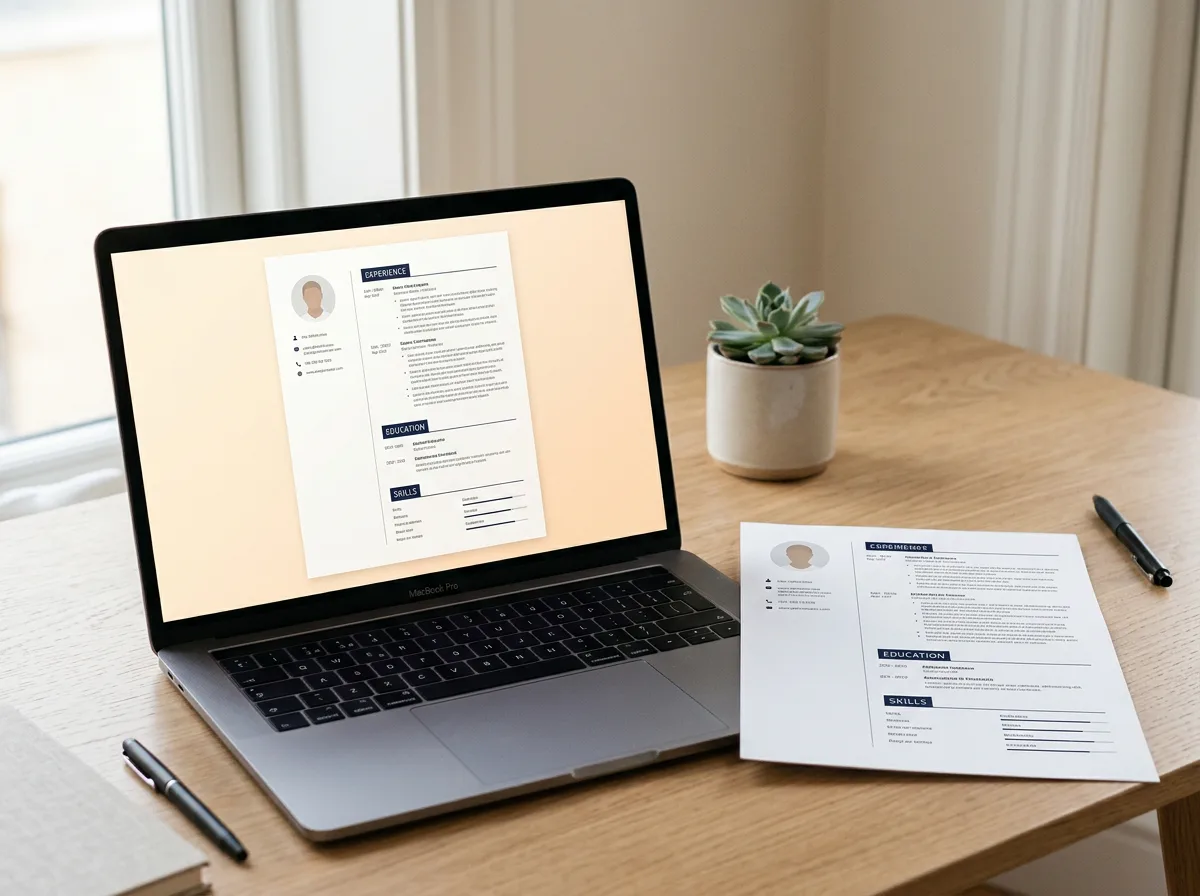



Most mid-size and large employers run applications through an applicant tracking system (ATS) before a person ever reads them. The software pulls your resume apart into fields like name, job titles, dates and skills, then ranks you against the job description. A beautiful resume that the parser can’t read simply lands lower in the pile.
The good news: an ATS-friendly resume doesn’t have to look plain. You just need to know which design choices help and which ones quietly break the parsing.
1. Use a clean, single-column structure for the important parts
Parsers read top to bottom, left to right. Two-column layouts can work, but text boxes, tables used for layout and content placed in the document header or footer are the usual reasons a parser scrambles your experience or drops your contact details.
- Keep your name, email, phone and city in the main body, not the Word header.
- Avoid putting job titles or dates inside text boxes or shapes.
- Use real bullet lists instead of symbols typed by hand.
2. Stick to standard section headings
ATS software looks for familiar labels. “Work Experience”, “Education”, “Skills” and “Certifications” are understood everywhere. Creative headings like “Where I’ve Been” look charming to people and confusing to software.
3. Mirror the job description’s keywords (honestly)
Recruiters often search the ATS for specific skills and tools. Read the posting, note the exact terms it uses, and make sure the ones you genuinely have appear in your resume in the same wording. If the ad says “project management”, don’t only write “managed projects”.
Quick check: paste the job description and your resume into any word-cloud tool. The biggest words in the posting should also show up in your resume.
4. Choose a readable font and sensible sizes
Common fonts such as Calibri, Arial, Garamond, Lato or Inter parse reliably. Keep body text around 10–12 pt and headings a few points larger. Icons are fine as decoration, but never let an icon replace the actual word, like a phone icon with no “Phone” label and number.
5. Save in the format the employer asks for
A .docx file is the safest choice for older systems. A text-based PDF (exported from Word, Google Docs or Canva, not scanned) works with most modern ATS platforms and keeps your layout intact. If the posting names a format, use it.
6. Format dates and job titles consistently
Write every role the same way: job title, company, location, then dates such as “Mar 2023 – Present”. Consistency helps the parser assign the right dates to the right job, and it helps the recruiter skim in seconds.
A simple ATS checklist before you hit apply
- Contact details in the body, not the header
- Standard section headings
- Keywords from the posting, in its wording
- No text boxes or layout tables around key content
- Text-based .docx or PDF
- Consistent title, company and date format
- File named like “FirstName-LastName-Resume.pdf”
Starting from a template built with these rules saves hours. Our resume templates use real text styles, single-flow structure for key sections and come in Word, Google Docs and Canva versions.
Leave a Reply