Short answer: Templystudio sells ready-to-edit digital files. You pay in US dollars at a secure checkout, download your files straight away from the confirmation page or your order email, and edit them in the apps named on each product page. Nothing is shipped.
Below are answers to common questions about buying, downloading and using our resumes, digital planners, SVG cut files and spreadsheets. If your question isn’t here, see the Contact page.
How do I download my files after I buy?
Downloads are delivered automatically as soon as your payment is confirmed:
- Finish checkout with your email address.
- On the order confirmation page, click the download button next to each product.
- Check your inbox for the order email: it contains the same download links. If you can’t find it, look in your spam or promotions folder.
- If you are signed in to an account, open My account › Downloads to download again at any time.
Each product downloads as a single .zip file. Unzip it first: double-click on a computer, or tap it in the Files app on an iPad or iPhone. Inside you’ll find the template files plus a short README with setup tips.
What payment methods can I use?
The payment options available for your order are shown at checkout, and your payment is processed by the payment provider displayed there. All prices on the site are in US dollars (USD). If you pay with a card in another currency, your bank converts the amount and may add its own fee.
Do I need an account to buy?
No. You can check out as a guest with just an email address, or tick the option at checkout to create a free account so your files stay in My account › Downloads. Your order email is your receipt and holds your download links, so keep it somewhere safe. If you already have an account, sign in before checkout and your purchases will also appear in My account.
Which apps do the files work with?
Every product page lists the exact formats and sizes. As a quick guide:
| Category | Files in the download | Works with |
|---|---|---|
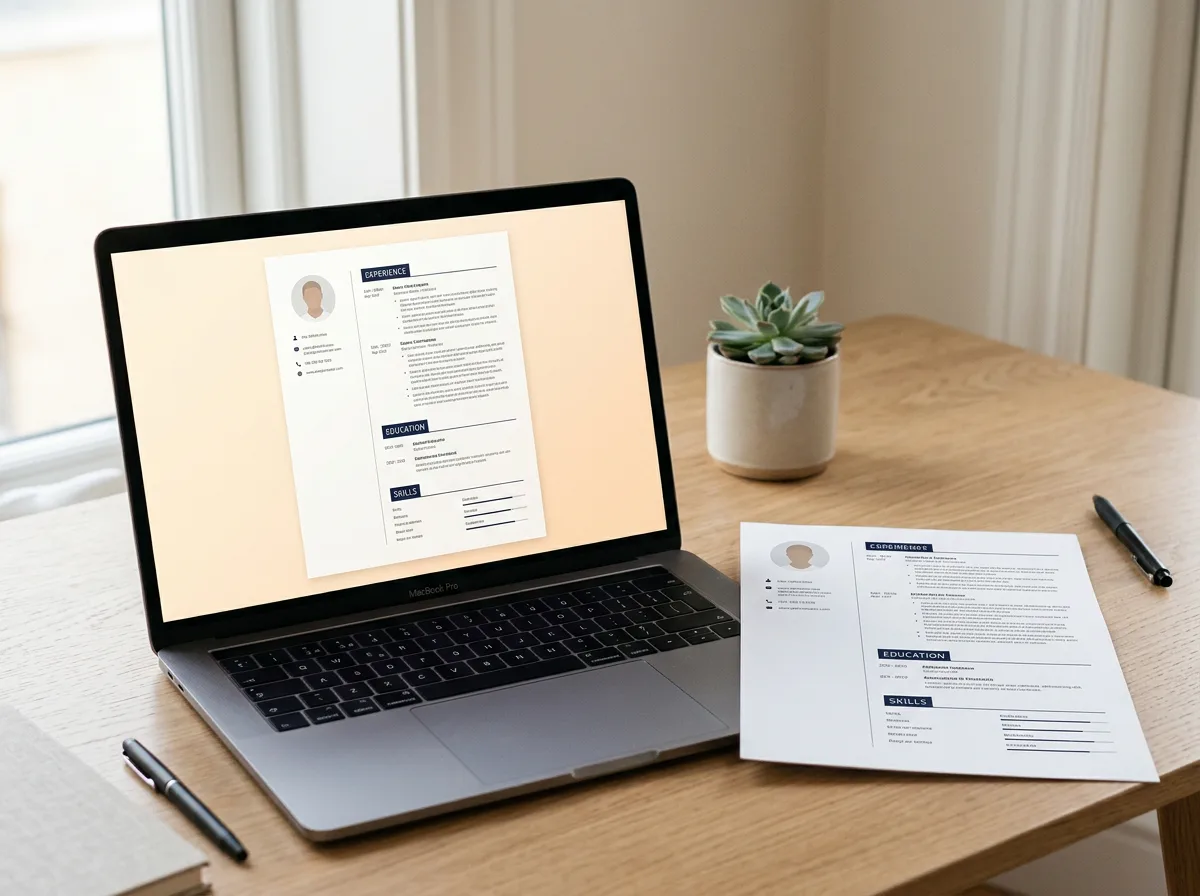
| Resume & CV templates | Word .docx (US Letter and A4) plus PDF previews | Microsoft Word 2016 or newer, Word for Microsoft 365, Google Docs, LibreOffice |
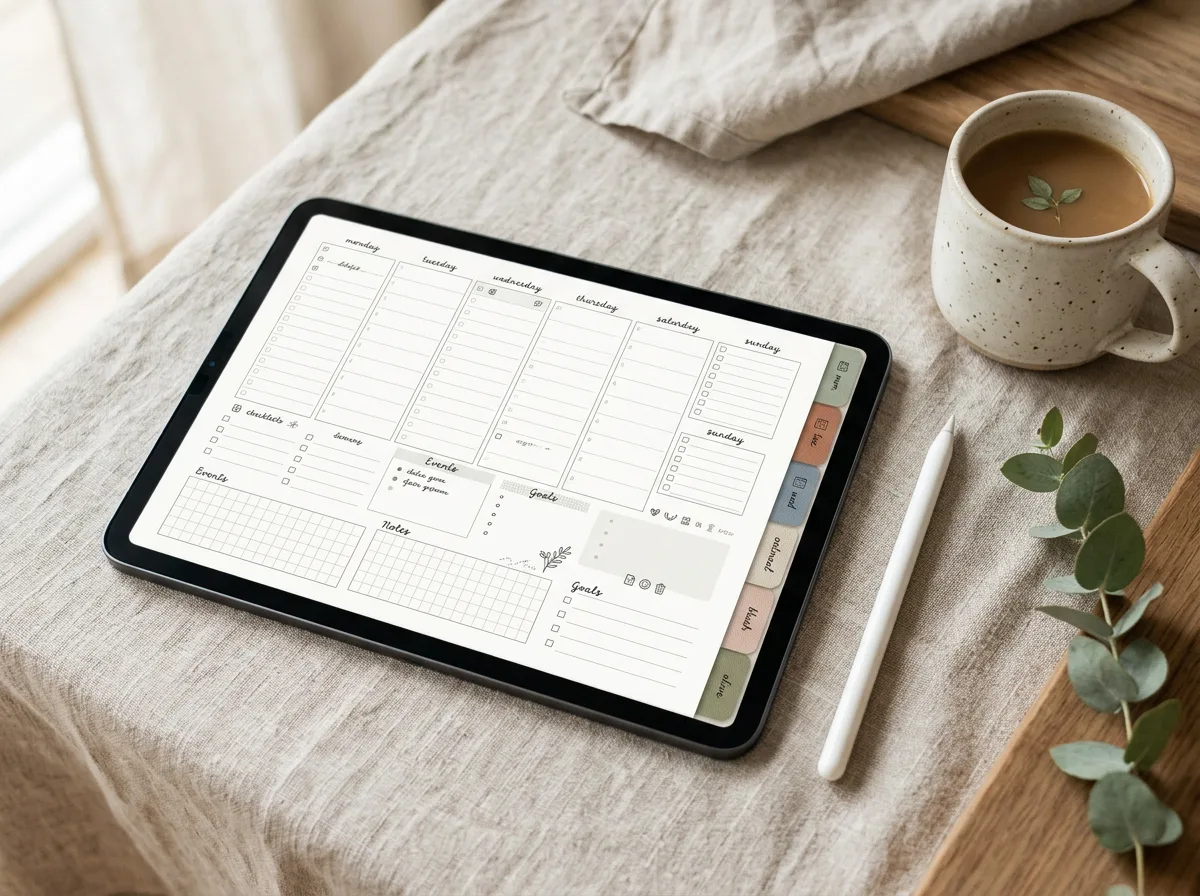
| Digital planners | Hyperlinked PDF | GoodNotes, Notability and other PDF annotation apps on iPad |
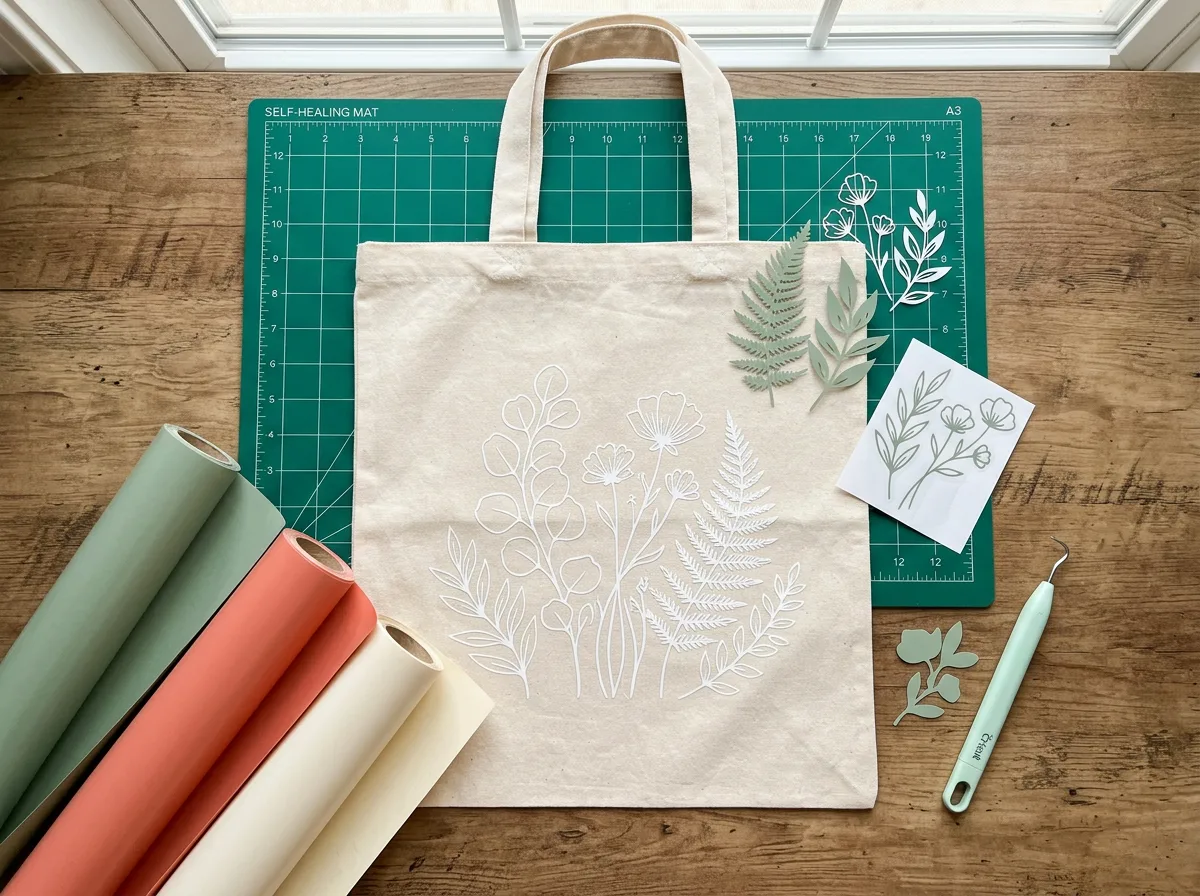
| SVG & cut files | SVG, PNG and DXF for each design | Cricut Design Space, Silhouette Studio (DXF in the free Basic Edition), Brother ScanNCut, Inkscape, Adobe Illustrator, Affinity Designer |
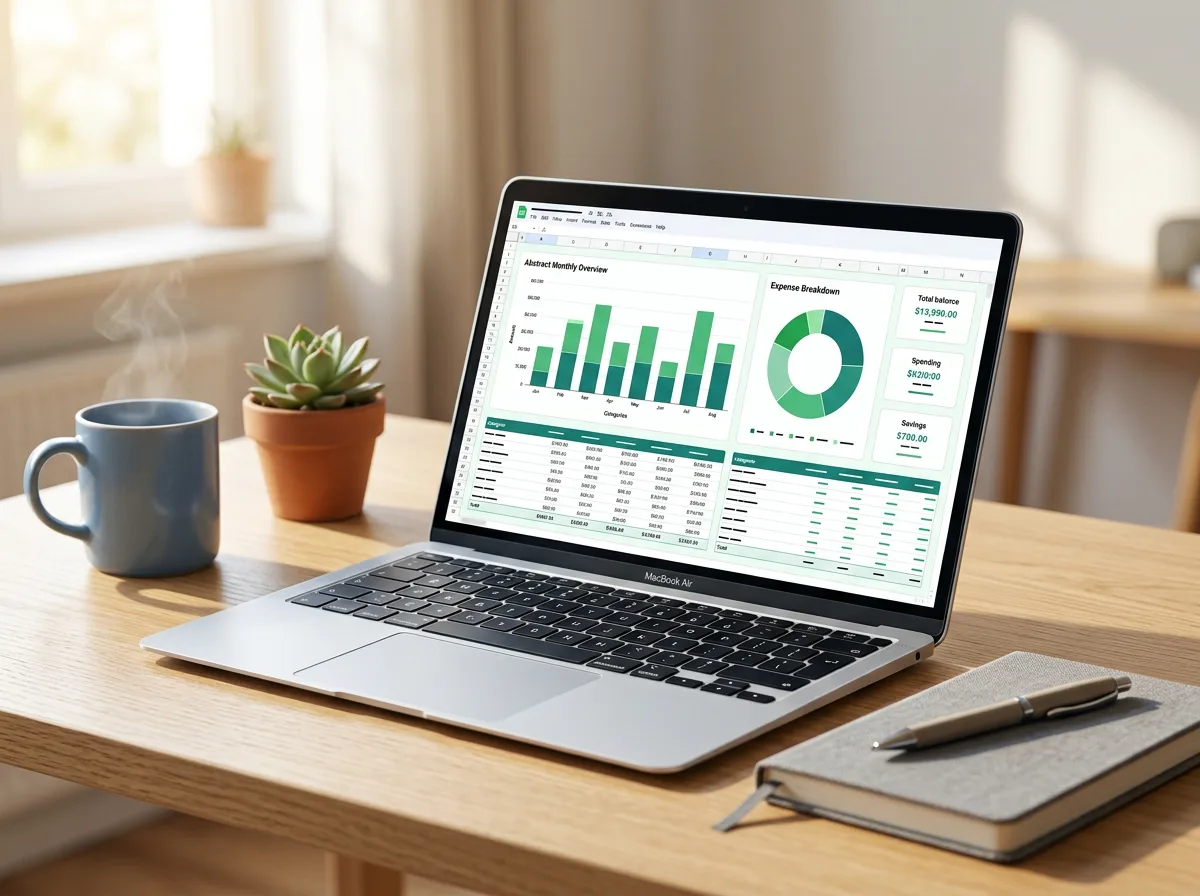
| Spreadsheets | Excel .xlsx | Excel 2016 or newer (Windows and Mac), Excel for the web, Google Sheets via import |
New to digital planning? Our guide GoodNotes vs Notability explains the differences. For cut files, see how to upload an SVG to Cricut Design Space or how to open SVG files in Silhouette Studio.
Are fonts included?
Our templates use free fonts, such as Google Fonts Lato and Poppins in the resumes. The README in each download links to the fonts so you can install them for free. If a font isn’t installed, your app substitutes a default font; the layout still works, but spacing can shift slightly.
Can I use the files for my business?
In most cases, yes: you can use the files for yourself and for your own small business. What you can’t do is resell, share or give away the files themselves. Some products set their own limits; for example, our digital planners are for personal use, and our SVG bundles allow you to sell up to 500 physical items made with the designs. The License page explains it in plain language.
Will anything be shipped to me?
No. Every Templystudio product is a digital download. Nothing physical is printed or shipped, and there are no shipping costs. You print, cut or publish the finished result yourself.
What if a file won’t open or looks wrong?
Most problems have a quick fix. Before anything else, try these steps:
- Unzip the download before opening the files inside.
- Open the file in one of the apps listed on the product page (for example, open planner PDFs from GoodNotes or Notability, not from a web browser).
- Install the free fonts linked in the README if text looks different from the preview.
- For cut files, use the DXF file if your software doesn’t accept SVG.
Still stuck? Get in touch and we’ll help. If a file is faulty or not as described and we can’t fix it, the Refund policy explains how to get your money back.
Can I get a refund?
Because files are delivered instantly, we can’t offer refunds for a change of mind after download. We do refund within 7 days of purchase when a file is faulty or not as described. Full details are on the Refund policy page.
Do download links expire?
Download links stay active for 1 year (365 days) from the date of purchase, with no limit on how many times you download within that year. Even so, save a copy of every file to your computer, cloud drive or iPad as soon as you download it, so you never depend on a link.