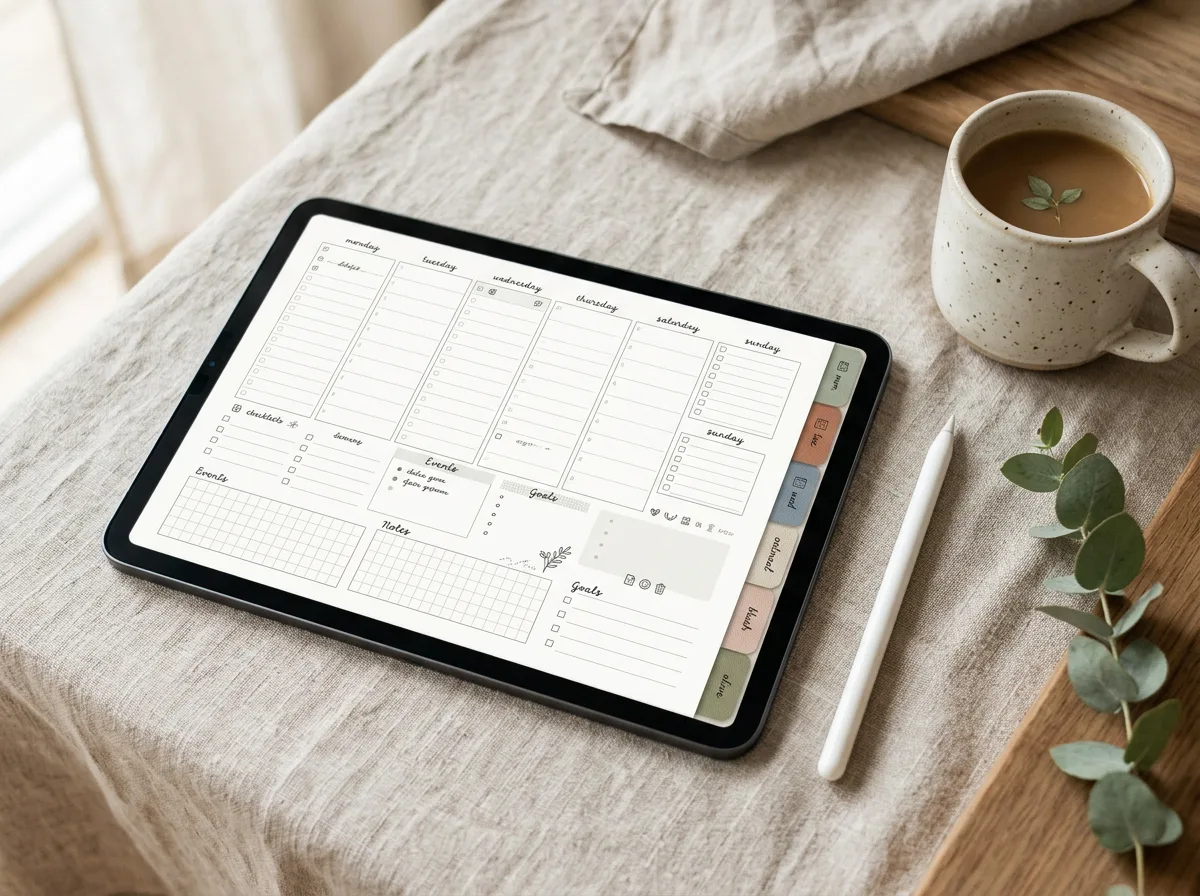
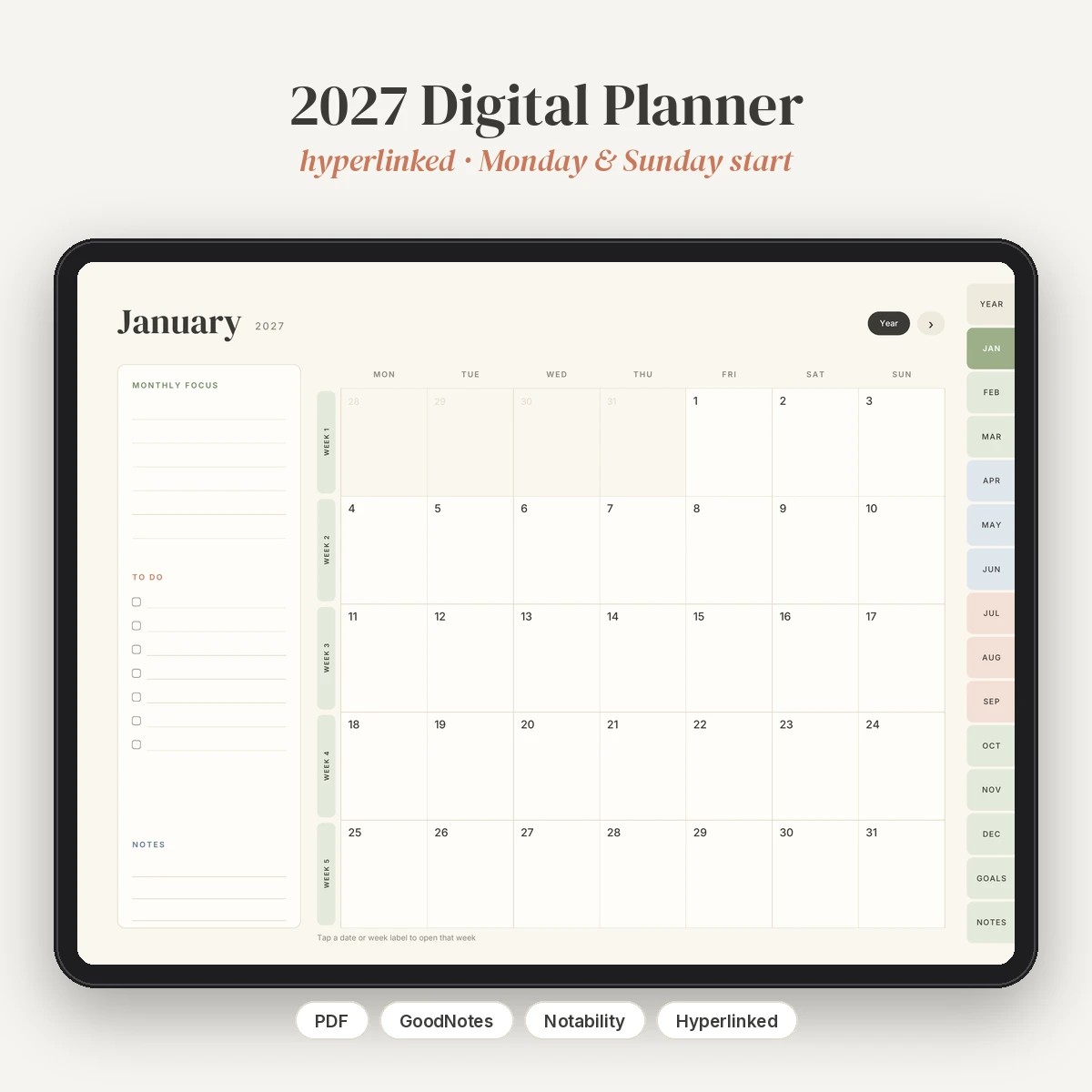
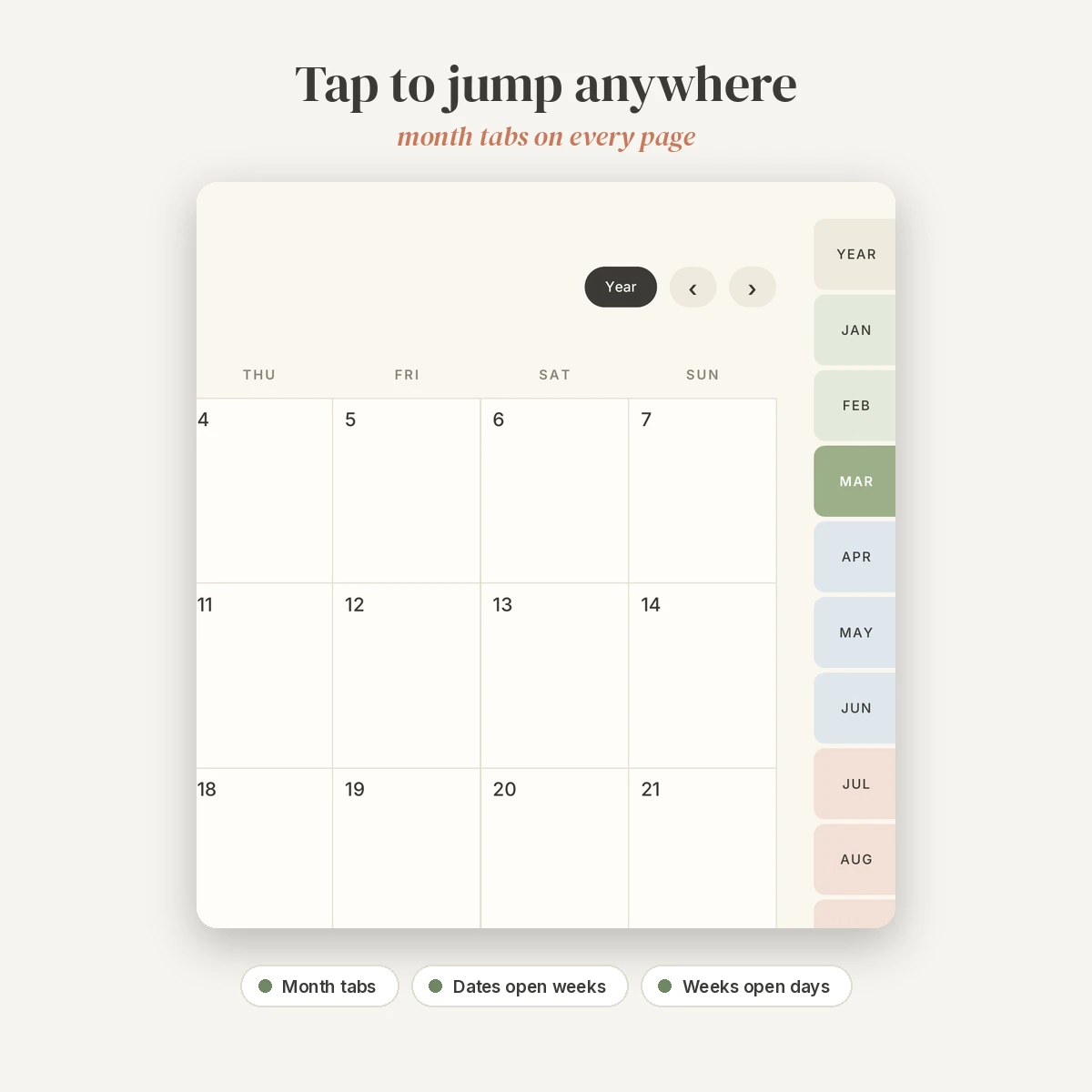
A calm, fully hyperlinked planner for 2027, designed for landscape use on iPad in GoodNotes, Notability and other PDF annotation apps. Every page has month tabs on the right edge, so you are never more than one tap from where you want to be. All dates are correct for 2027 (January 1, 2027 is a Friday), and the download includes both a Monday-start and a Sunday-start version.
What’s inside
- Cover page with a link straight into the planner
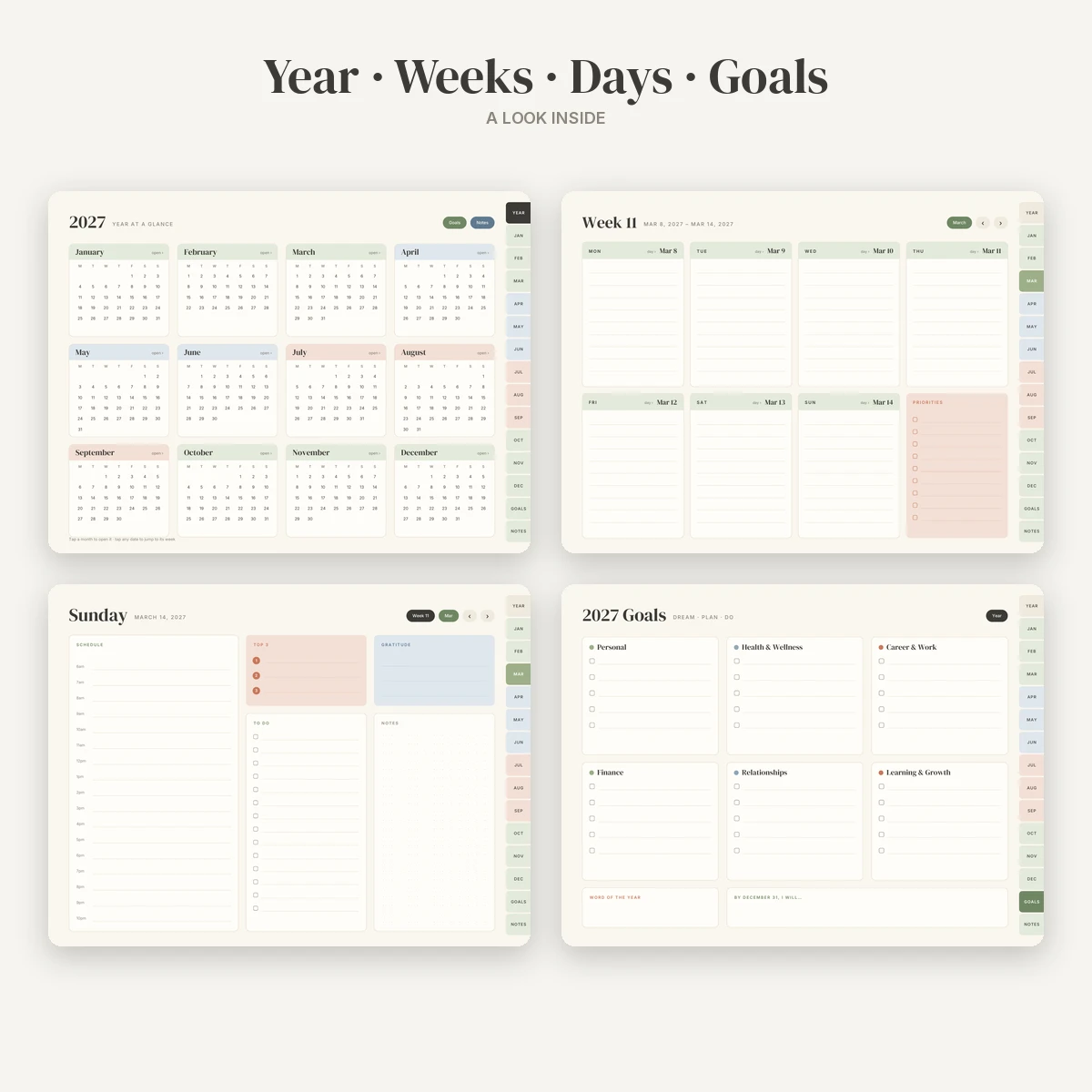
- 2027 year-at-a-glance with all 12 months; every date links to its week
- 2027 goals page with six life areas, a word of the year and a year-end intention
- 12 monthly calendars with a monthly focus, to-do list and notes panel
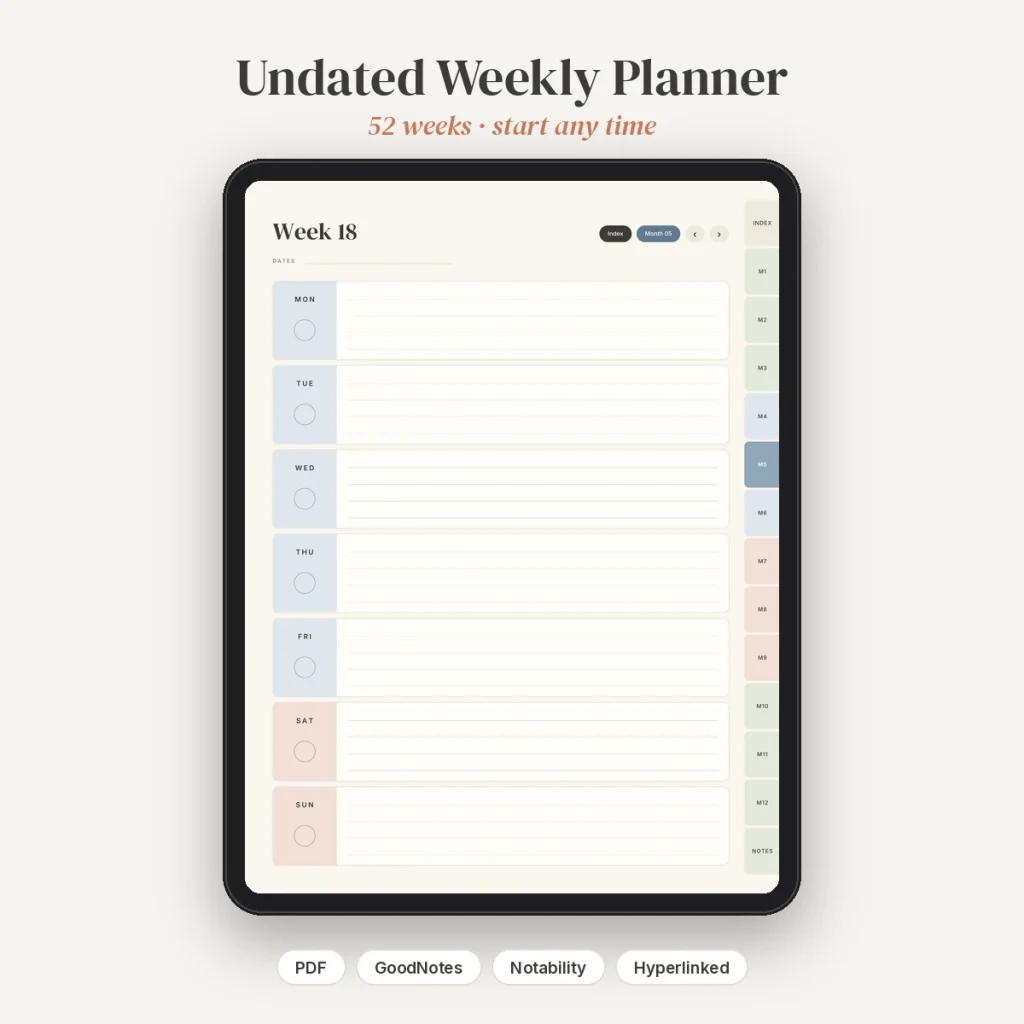
- 53 weekly pages (every week that touches 2027), each with seven day boxes and a priorities list
- 365 daily pages with an hourly schedule (6am to 10pm), top 3, gratitude, to-do and dot-grid notes
- Notes index plus 12 notes pages (lined and dot grid)
Features
- Over 9,500 internal hyperlinks per file, checked so none are broken
- Month tabs and Year, Goals and Notes tabs on every page
- Tap a date on a monthly calendar to open that week; tap a day header on a weekly page to open that day
- Previous and next buttons on monthly, weekly, daily and notes pages
- PDF bookmarks for the year, months, weeks and notes, so the outline view works too
- Soft sage, dusty blue and terracotta on a warm cream background, with elegant serif headings
- Landscape 4:3 format sized for iPad screens; about 9 MB per PDF
Compatible apps
Made for GoodNotes 5/6 and Notability on iPad. It also works in other PDF apps that support internal links, such as Noteshelf, PDF Expert and Xodo, and on Android tablets with a compatible app. This is a digital product: nothing physical will be shipped. You can print pages for personal use, but the layout is designed for screens.
How to import
- Download the ZIP after purchase and unzip it in the Files app.
- Pick the Monday-start or Sunday-start PDF.
- In GoodNotes, tap + then Import and choose the PDF. In Notability, tap Import and choose the PDF.
- To use the links in GoodNotes, switch to read-only mode, tap a tab, then switch back to writing. In Notability, tap links with your finger when no writing tool is selected.
A README with step-by-step instructions is included. License: personal and small-business use, one client project per purchase. Please do not resell, share or use the file for print-on-demand. See the License page.
Reviews
There are no reviews yet.